
Bring Characters to Life with Pix Banana Wan Animate 🎭
Create stunning character animations on Pix Banana using Wan Animate technology. Transform static character images into expressive animated videos instantly.
Wan Animate
Character animation and replacement with Seedance 1.5 Pro
Upload the character image to animate
Upload the motion video (max 120 seconds)
Animate character with motion video
Generate up to 10 results. Counts above 1 require an active membership.
"preserve outfit; natural expression; no background changes."
Example Gallery
See what you can create with wan animate
What is Nano Banana Pro
Revolutionary AI Image Editor and Generator
Nano Banana Pro is a revolutionary AI-powered image generation and editing platform that delivers consistent character editing and scene preservation. Unlike traditional text-to-image models, Nano Banana Pro performs contextual image generation, allowing you to edit images with natural language and generate stunning visual results.
Contextual Image Generation
Nano Banana Pro 智能编辑器结合文本和图像输入,实现无缝视觉概念提取与修改,生成连贯且独特的图像。
Exceptional Character Consistency
高精度保持角色或参考物体的独特元素,跨多个场景和环境保持一致性。
Precise Local Editing
针对特定元素进行精准修改,不影响图像其余部分,灵活可控,专业级精度。
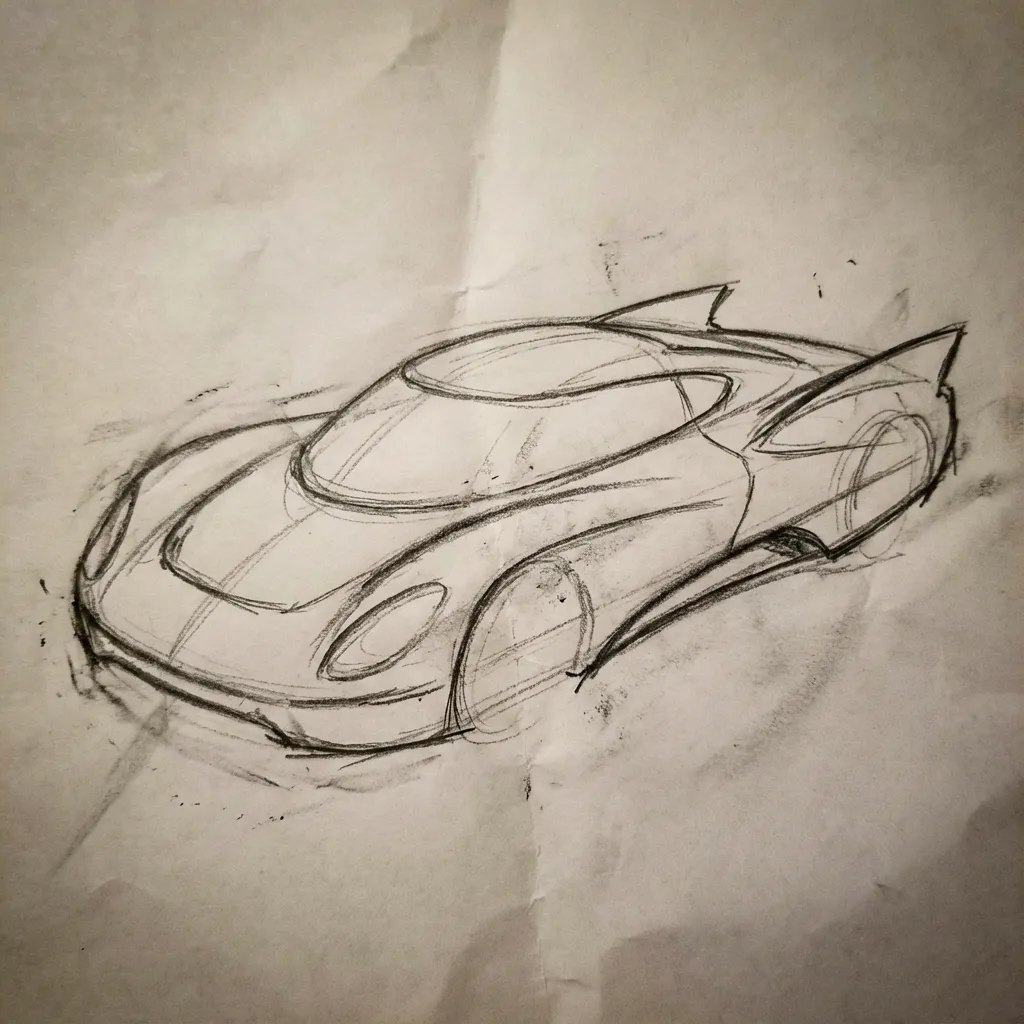


Text-to-Image Gallery
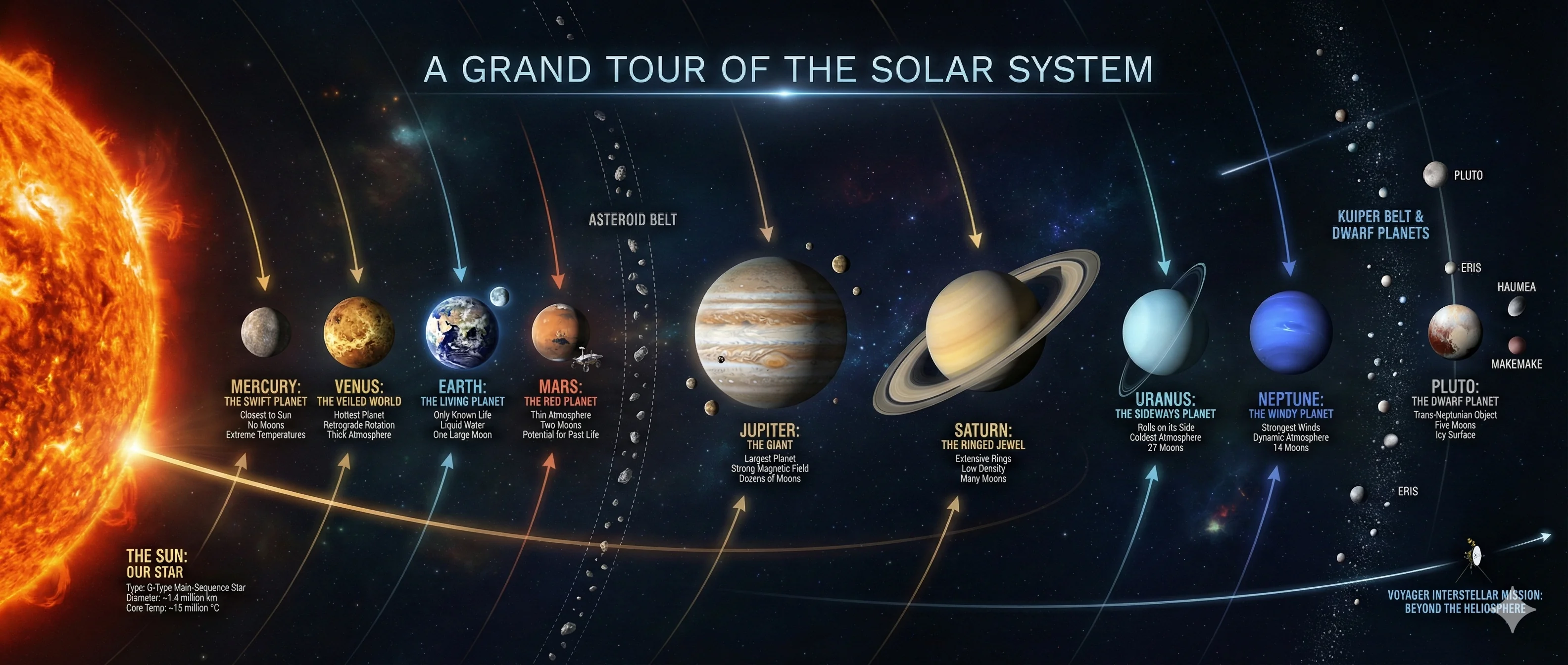
>Create a cinematic infographic taking the audience on a tour of the solar system
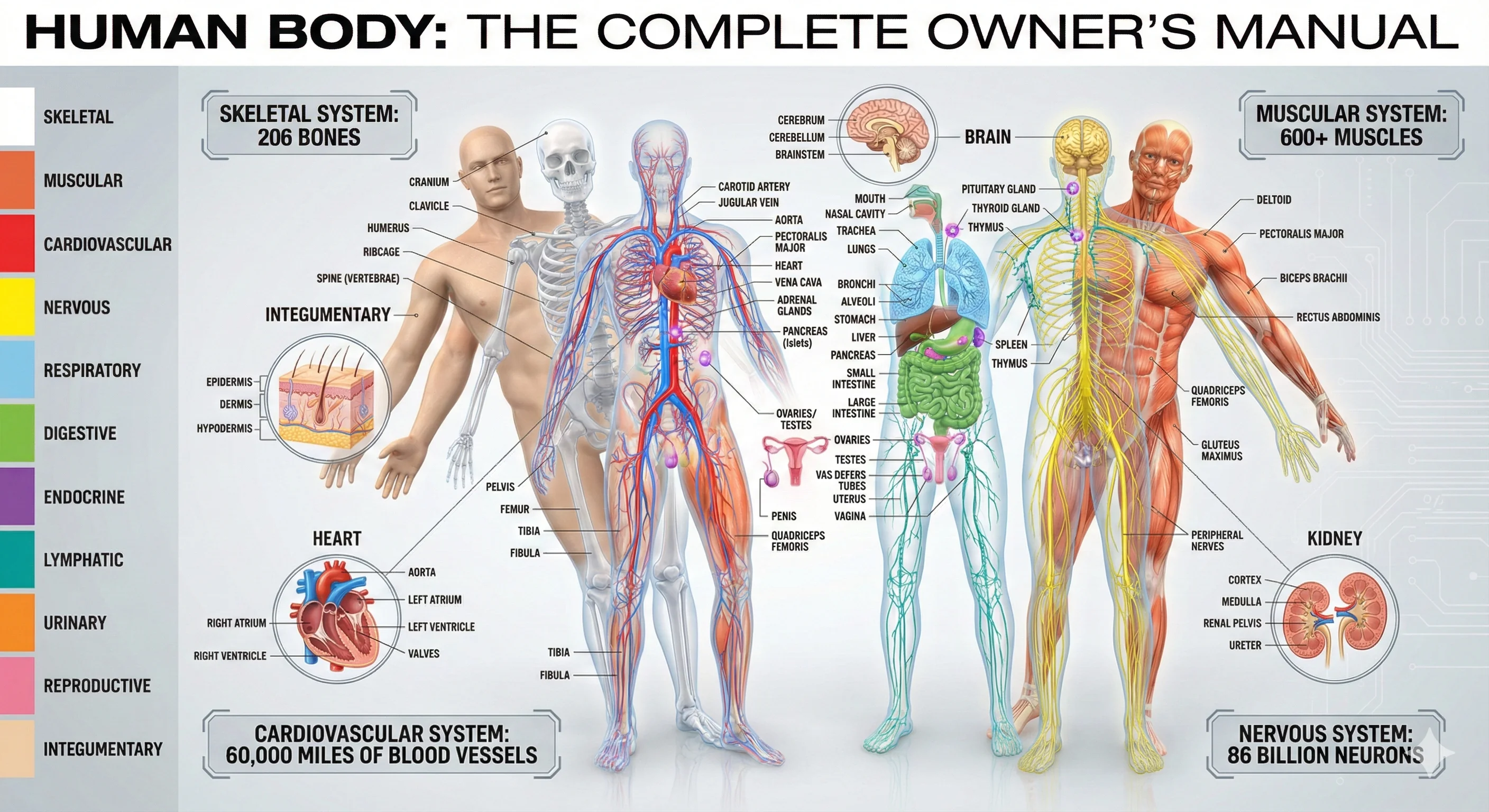
>All systems of the human body working simultaneously
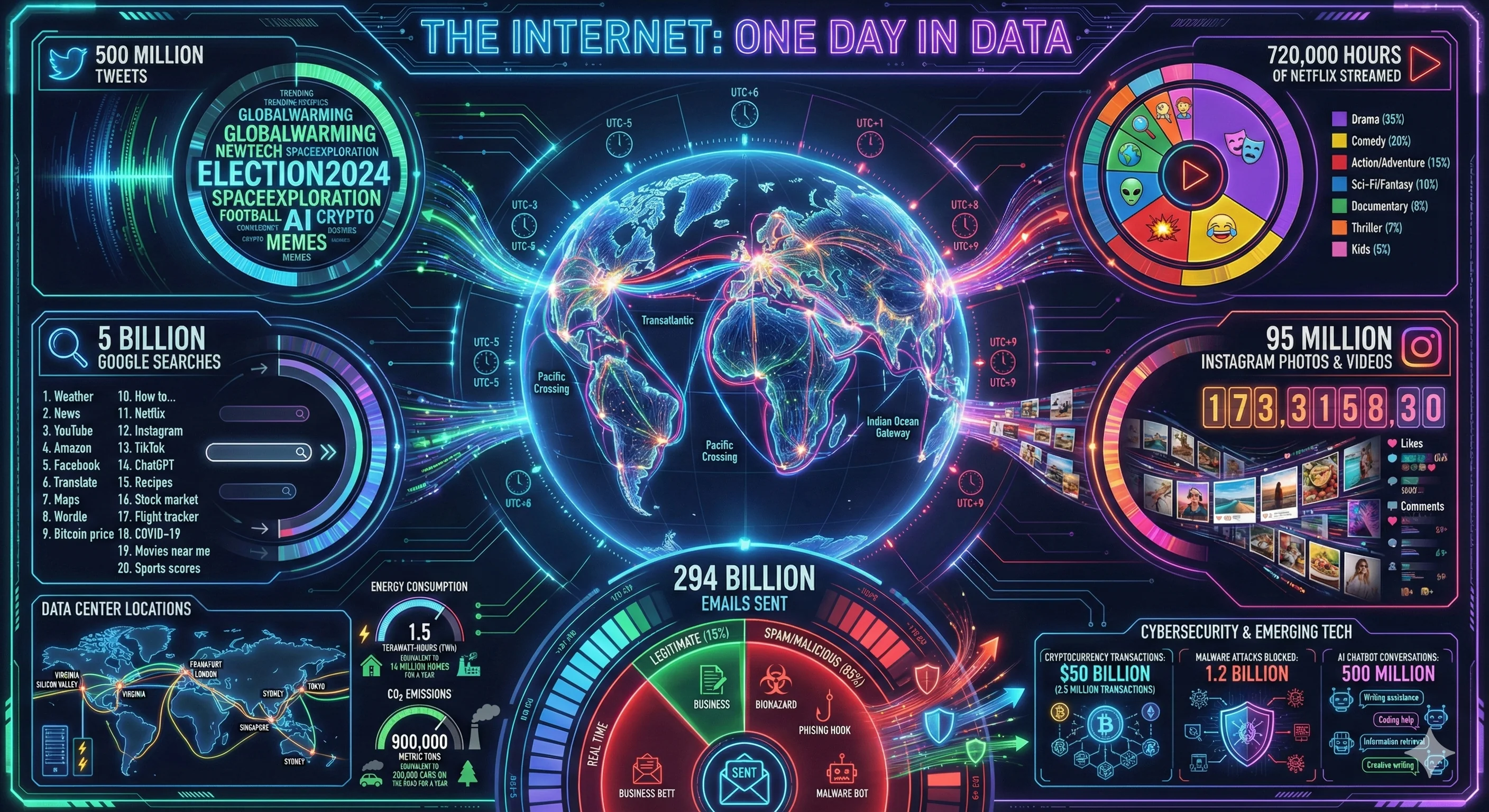
>Visualizing the internet: 'Every byte of data within 24 hours'
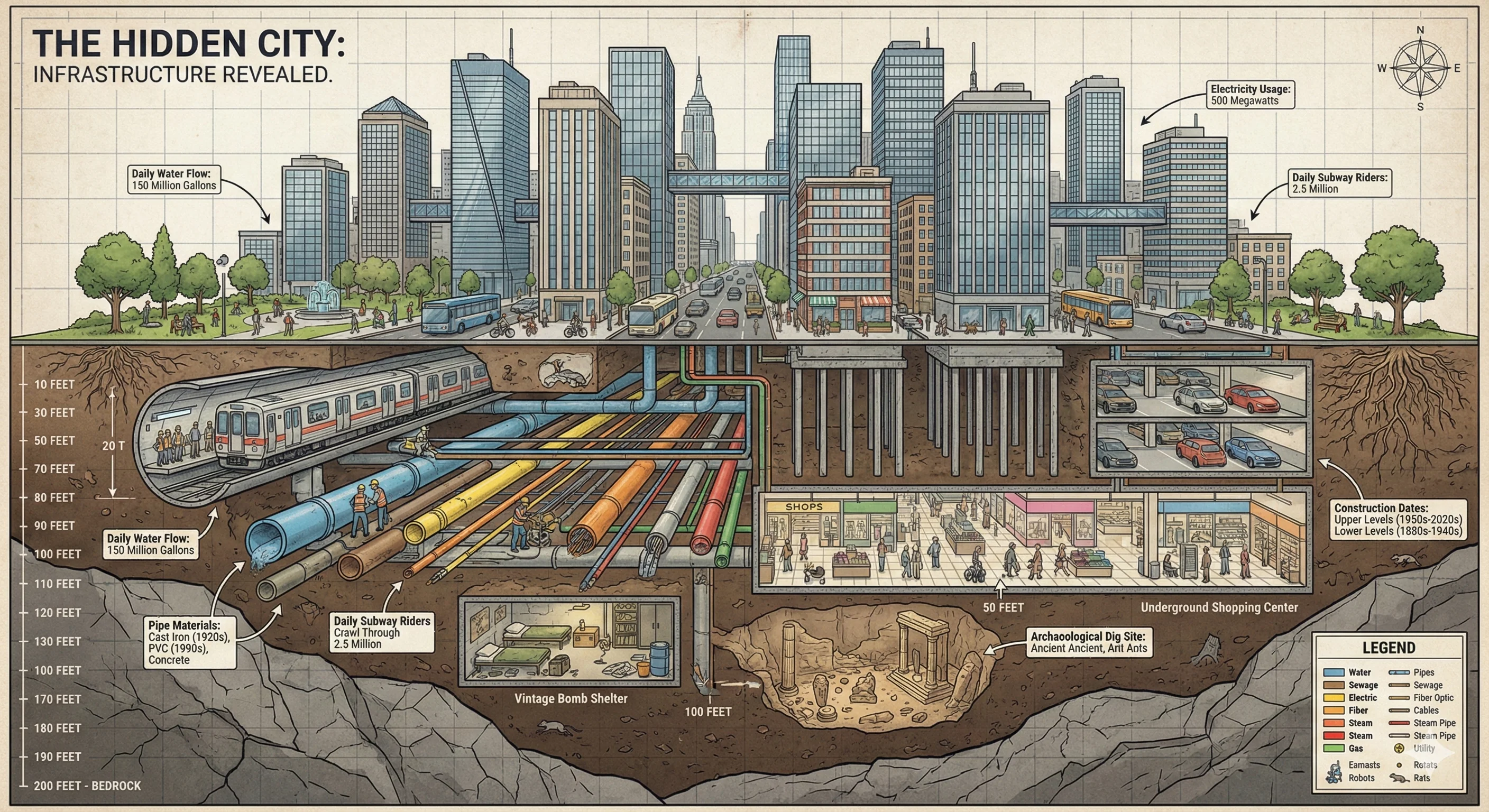
>Cross-section of city infrastructure: 'The Underground World'
Start Animating Characters with Pix Banana Wan Animate 🎬
Experience the power of AI character animation
Basic
Essential features for personal use
What's Included
- 1,200 credits/month
- Commercial License
- Priority Queue
- No Watermark
- 1080p HD Quality
- Batch Generation
Plus
Advanced features for professionals
What's Included
- 4,000 credits/month
- Commercial License
- Priority Queue
- No Watermark
- 1080p HD Quality
- Batch Generation
Enterprise
Premium features for businesses
What's Included
- 11,000 credits/month
- Commercial License
- Priority Queue
- No Watermark
- 1080p HD Quality
- Batch Generation
- API Access
- Dedicated Support (2h response)
About Credits
Credits are used for generation. Different models may consume different amounts of credits.
We Accept Multiple Payment Methods


All transactions are encrypted and secure
Advanced Wan Animate Features 🌟
Professional character animation made simple
Intelligent Motion Transfer
Wan Animate on Pix Banana captures movements from reference videos and applies them to your characters. Create realistic animations with natural motion flow.
Facial Expression Sync
Pix Banana Wan Animate replicates facial expressions accurately. Characters display emotions and reactions that match source videos perfectly.
Identity Preservation
Wan Animate maintains character appearance throughout animation on Pix Banana. Features and proportions stay consistent across all frames.
Animation & Replacement
Use Wan Animate on Pix Banana to either animate static images or replace characters in videos. Two powerful functions in one tool.
Professional Quality Output
Wan Animate generates smooth animations on Pix Banana without flickering or artifacts. Professional-grade results for commercial use.
Quick Animation Creation
Complete Wan Animate projects on Pix Banana in minutes. Fast processing delivers finished animations promptly.
How to Animate Characters in 3 Steps 🚀
Simple process for Wan Animate creation
Upload Character Image
Select the character you want to animate on Pix Banana. Wan Animate works with various character types and styles.
Add Motion Reference
Upload a reference video showing desired movements for Wan Animate on Pix Banana. The AI learns motion patterns from this source.
Generate Animation
Click generate and watch Pix Banana Wan Animate create your character animation. Download results ready for immediate use.
Why Choose Pix Banana Wan Animate? ✨
Advantages of AI character animation
Skip Manual Rigging
Animate characters without complex rigging on Pix Banana. Wan Animate eliminates tedious manual animation processes.
Get Animations Fast
Complete Wan Animate projects in minutes on Pix Banana. No waiting for long rendering or manual keyframe work.
Affordable Animation
Access Wan Animate on Pix Banana without expensive animation software. Professional results at accessible prices.
Simple for Everyone
Create animations with Wan Animate on Pix Banana without animation experience. User-friendly interface for all skill levels.
Natural Movement
Wan Animate produces realistic character motion on Pix Banana. Animations look smooth and professionally done.
Multiple Functions
Use Wan Animate for various animation needs on Pix Banana. One tool serves countless creative projects.
Perfect Wan Animate Applications 💡
Discover character animation possibilities
Content Creator Animations
Create engaging character content with Wan Animate on Pix Banana. Perfect for YouTube videos and social media posts.
Marketing Mascots
Animate brand characters using Wan Animate on Pix Banana. Bring mascots to life for advertising campaigns.
Game Character Animation
Prototype character movements with Wan Animate on Pix Banana. Test animation ideas quickly during development.
Learning Materials
Animate educational characters with Wan Animate on Pix Banana. Make lessons more engaging through character animations.
Entertainment Production
Create character animations for shows using Wan Animate on Pix Banana. Speed up production workflows significantly.
Social Media Content
Generate viral character videos with Wan Animate on Pix Banana. Create trending content featuring animated characters.
Wan Animate Questions Answered 💭
Everything about character animation on Pix Banana
How do I create my first Wan Animate animation on Pix Banana?
Upload a character image and reference video to Pix Banana, select animation mode, and click generate. Wan Animate creates animation automatically.
How do I choose good reference videos for Wan Animate?
Use clear videos with visible movements on Pix Banana. Better reference videos help Wan Animate create more accurate character animations.
How can I improve my Wan Animate quality?
Use high-quality character images and clear reference videos on Pix Banana. Match aspect ratios for better Wan Animate results.
What character types work with Wan Animate?
Pix Banana Wan Animate handles various character styles including realistic, cartoon, and anime. Works with most character designs.
How long can Wan Animate animations be?
Create Wan Animate content on Pix Banana from short clips to longer sequences. Duration depends on reference video length.
How do I use different Wan Animate modes?
Select animation mode to bring characters to life or replacement mode to swap characters on Pix Banana. Choose based on your project needs.
How long does Wan Animate processing take?
Most Wan Animate projects on Pix Banana complete in 3-8 minutes. Processing time varies with video length and complexity.
How do I save my Wan Animate creations?
Click download after generation completes on Pix Banana. Wan Animate animations save in MP4 format for easy sharing.
Can I use Pix Banana Wan Animate commercially?
Yes, all Wan Animate creations on Pix Banana are yours for commercial use. Use animations for business projects freely.
Can I edit Wan Animate results after generation?
Yes, use Pix Banana video editing tools to refine Wan Animate outputs. Make adjustments to animations easily.
Start Animating Characters with Pix Banana Wan Animate 🎬
Experience the power of AI character animation
Professional Animation Quality Guaranteed